

17 Best Employee Survey Tools in 2026








Running employee surveys often feels frustrating. You send them out, hope people respond, and then wonder if the answers are even honest. Long surveys get ignored, short ones feel too shallow, and the results rarely make it past a slide deck. Meanwhile, leaders still don’t have a clear picture of how people actually feel at work.
That’s what pushed me to research the best employee survey tools and see which ones truly help teams listen better and act faster. The list is in front of you.
What Did I Look for in the Best Employee Survey Tools?
Before comparing different employee survey tools, I set clear criteria based on real-world use. I wasn’t looking for the most complex tool, but for solutions that actually help teams understand employee engagement, collect honest employee feedback, and act on it.
The best employee survey tools make surveys easy to run, easy to answer, and useful after the survey results come in.
Here’s what I focused on:
- Ease of use and survey creation
A good survey tool should make survey creation simple, with ready survey templates and flexible question types. If running an employee survey feels complicated, it won’t get used consistently. - Support for employee engagement surveys and pulse surveys
I looked for tools that support employee engagement surveys, employee pulse survey workflows, and recurring surveys, not just one-off questionnaires. Continuous listening gives a clearer picture of employee engagement and employee sentiment. - Quality of analytics and insights
Strong analytics and robust analytics matter. The best tools turn survey data and survey responses into actionable insights, helping leaders understand employee experience, satisfaction, and morale. - Anonymous surveys and honest feedback
Anonymous surveys are critical for real employee feedback. Without anonymity, survey results often look better than reality and hide real workplace issues. - Fit into everyday tools and workflows
I paid attention to integrations with tools like Microsoft Teams and Google Workspace, so surveys fit naturally into how employees already work. - Impact on workplace culture and retention
Finally, I looked at whether the employee engagement survey tools actually help improve workplace culture, workplace engagement, and long-term employee retention, not just collect data.
These criteria helped me separate simple employee survey software from tools that genuinely improve engagement and decision-making.
The Best Employee Engagement Survey Tools
1. HeartCount
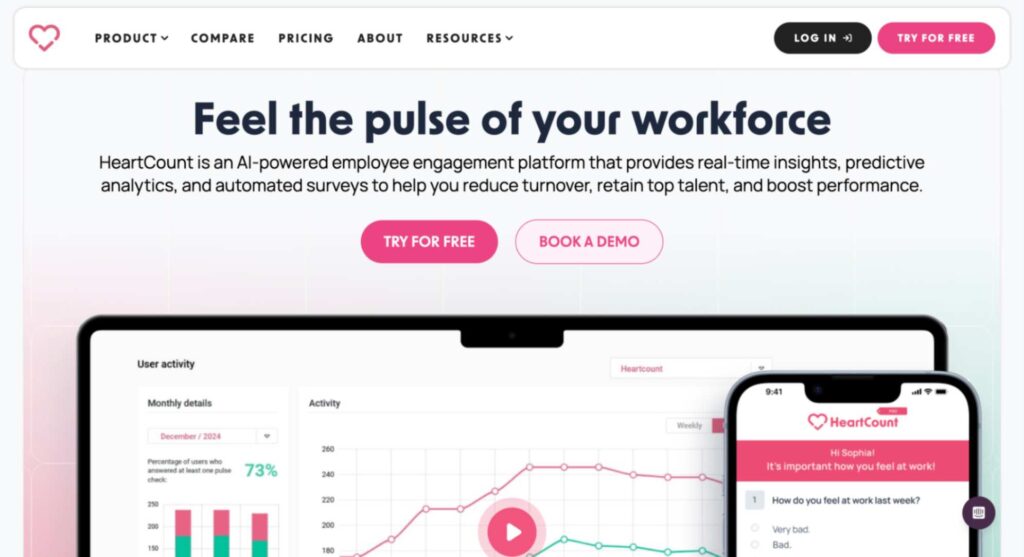
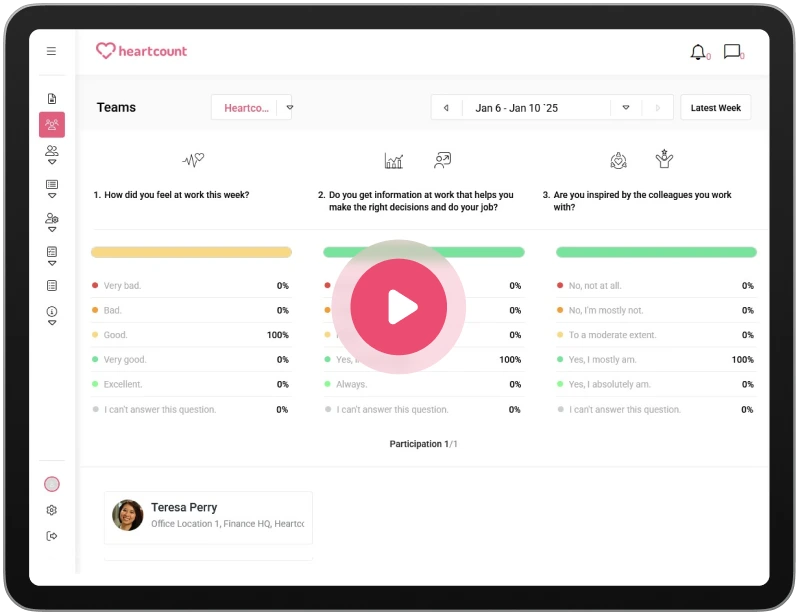
Heartcount solves a real problem I kept seeing with other employee survey tools. Most tools rely on long, boring employee engagement surveys that people ignore. Heartcount flips that by using short, weekly employee pulse survey check-ins that take under 30 seconds to complete.
Instead of guessing how people feel once a year, I can see employee engagement, employee sentiment, and employee morale change in real time. The platform combines employee surveys, continuous employee feedback, and AI-driven insights into a single, clear platform.
Everything is designed to turn raw survey data into actionable insights, not just charts. If you’re looking for one of the best employee survey tools focused on real-world usage and outcomes, this is exactly what HeartCount is built for.
Key Features:
- Weekly automated employee pulse survey with just three questions, optimized for high response rates
- Scientifically validated question bank covering engagement, well-being, productivity, and employee experience
- Advanced and robust analytics, including real-time dashboards, trends, and historical comparisons
- AI-powered sentiment analysis that flags disengagement, burnout, and retention risk early
- Custom employee engagement survey and targeted employee satisfaction survey creation with saved survey templates
- Fully supported anonymous surveys to encourage honest survey responses
- Clear survey results at the company, team, and individual-risk level
- Built-in employee recognition and praise features tied directly to engagement signals
- Direct and anonymous communication channel for continuous employee feedback
- Designed to support the full employee lifecycle, from onboarding to retention
Pros:
- Delivers continuous workplace engagement insights instead of outdated annual employee engagement surveys
- Extremely high participation thanks to short, recurring engagement surveys
- Converts survey results into real, valuable insight, not just static reports
- AI insights help leaders act early on employee retention risks
- Combines employee engagement survey software, feedback, and recognition in one focused tool
- Simple enough for employees, powerful enough for HR and leadership
Cons:
- The weekly pulse model may feel unfamiliar to teams used to long-form annual employee surveys
- Advanced analytics and AI insights work best once enough survey data is collected over time
- Teams looking only for a basic Google Form–style survey tool may find HeartCount more advanced than they need
Pricing: HeartCount offers three pricing plans:
- Starter: Free for up to 25 employees. Core surveys and basic insights.
- Business: $2.50 per employee per month. Advanced reporting and full features.
- Enterprise: Custom pricing. Large teams, custom setup, and premium support.
- Annual billing: 20% cheaper than monthly.
Best for: Continuous pulse engagement and fast, actionable insights
2. Lattice
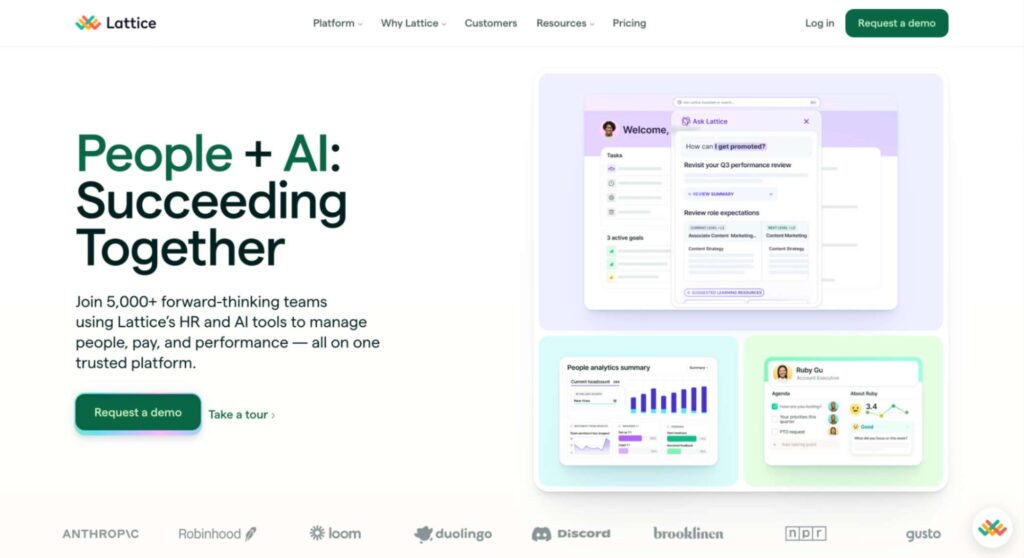
Lattice is one of the best employee survey software for employee engagement. It’s a survey tool that blends employee engagement surveys with performance and goal tracking, so you see feedback alongside performance trends.
I liked that it lets you run regular employee pulse surveys, full employee engagement survey programs, and lifecycle surveys, such as onboarding or exit. The interface shows survey results in dashboards that make it easier to spot trends and problem areas.
Lattice also gives you actionable insights with analytics that suggest what matters most to your team’s morale. You can segment results by department or tenure, which helps understand employee sentiment and employee satisfaction more deeply. It also ties feedback into manager check-ins and potential employee recognition actions.
Key Features:
- Pre-built and custom survey template options for engagement, pulse, eNPS, and lifecycle feedback
- Anonymous surveys and controlled visibility for safe participation
- Robust analytics, including trend charts, heatmaps, and driver analysis
- Integration with performance reviews and performance management workflows
- Recurring survey scheduling and automated reminders
Pros:
- Good balance of employee feedback and performance context
- Survey creation is straightforward with ready templates
- Helpful analytics and actionable insights to guide next steps
- Works well if you want more than just a survey – it links feedback to people development
Cons:
- Might feel complex if you just need a simple employee survey tool
- Some features are tied to broader modules (e.g., goals, reviews)
- Advanced analytics can take time to learn well
- Fewer integrations with external tools like Microsoft Teams or Google Workspace than some standalone survey platforms
Pricing: Lattice charges $11 per employee per month for core Talent Management. Optional add-ons cost extra: Engagement +$4, Grow +$4, and Compensation +$6 per employee per month. You pay per seat and only for the modules you choose.
Best for: Combined engagement + performance workflows
3. CultureMonkey
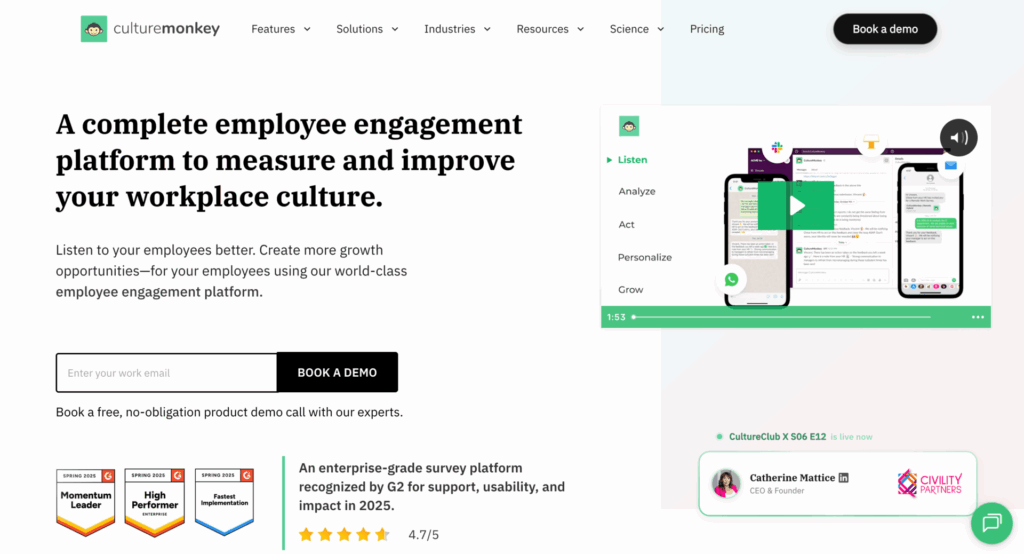
CultureMonkey is an enterprise employee engagement platform for distributed, frontline, multilingual, and global workforces. It helps HR teams run engagement surveys, pulse surveys, eNPS, lifecycle surveys, and anonymous feedback programs while turning feedback into actionable insights.
I liked that it supports survey delivery through email, Slack, Microsoft Teams, WhatsApp, text messages, QR codes, and kiosks, making it easier to reach employees across different work environments. Its multilingual support also helps teams collect feedback across regions.
CultureMonkey turns survey responses into actionable insights with dashboards, heatmaps, benchmarks, sentiment analysis, and driver analysis. HR teams can segment results by department, location, manager, or tenure, while manager dashboards and action plans help close the feedback loop.
Key features:
- Engagement, pulse, eNPS, lifecycle, and anonymous feedback surveys
- Omnichannel survey delivery through email, Slack, Teams, WhatsApp, text messages, QR codes, and kiosks
- Multilingual survey support for global and distributed teams
- AI-led sentiment analysis, heatmaps, benchmarks, and driver analysis
- Manager dashboards and action planning workflows
Pros:
- Strong fit for frontline, multilingual, and global teams
- Multiple survey channels improve participation across employee groups
- Anonymous feedback features help employees share more openly
- Action planning tools make it easier to move from insights to follow-through
Cons:
- Pricing is available through a custom sales process rather than self-serve plans
- May be more suitable for organizations with larger or distributed workforces
- Evaluation typically involves a guided demo rather than a free trial experience
Pricing: CultureMonkey offers custom pricing based on company size, survey needs, and implementation requirements. Teams can request pricing through a demo or consultation.
Best for: Enterprise employee listening, engagement surveys, and action planning workflows
4. Leapsome
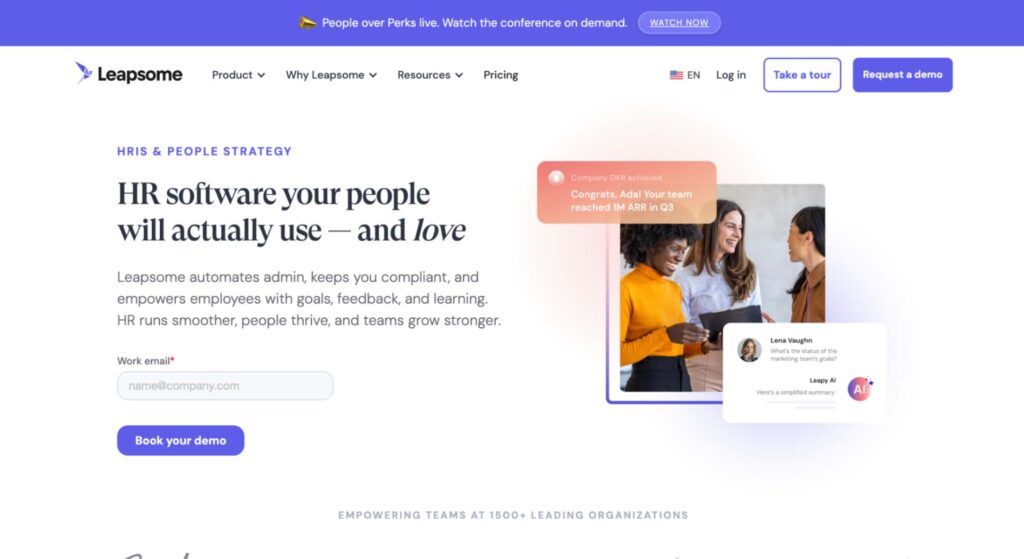
I explored Leapsome as another strong option among the best employee survey tools. Leapsome feels like a flexible employee survey platform that ties employee feedback closely with performance and learning. It lets you run regular employee pulse surveys and deeper engagement survey programs using both its templates and custom questions.
I liked how Leapsome’s dashboards show survey results with heatmaps and trend graphs that help uncover employee sentiment over time. It also uses smart analytics to summarize open-text responses and highlight key drivers of engagement.
The platform connects survey insights with other people’s data, like performance ratings and goals, which helps when you’re tackling issues like employee satisfaction or employee retention. Leapsome works well if you want both frequent check-ins and deeper surveys while tracking changes against real workforce outcomes.
Key Features:
- Ready survey templates and flexible custom question options
- Automated scheduling of recurring surveys (pulse and full engagement)
- Robust analytics with trend views and segmentation by group or role
- AI-powered text summarization and sentiment analysis for comments
- Integrations with Slack, Microsoft Teams, and HRIS tools
- Anonymous response options and two-way anonymous conversations
Pros:
- Strong analytics and clear visualizations of employee survey data
- Flexible scheduling for both quick pulses and full employee engagement surveys
- Good integration into performance and learning tools
- Anonymous options build trust and encourage candid survey responses
Cons:
- Interface can feel complex at first, especially for new users
- Some users find the notification settings too aggressive by default
- More powerful features may require time to set up and learn
- Smaller orgs might find the depth overkill if they just need basic engagement checks
Pricing: Leapsome uses custom, modular pricing. There are no public prices. You pay per employee based on the modules you choose and team size, with volume and bundle discounts available. If switching from another HRIS, Leapsome is free until your existing contract ends, up to December 2026.
Best for: Analytics-rich engagement and performance alignment
5. ThriveSparrow
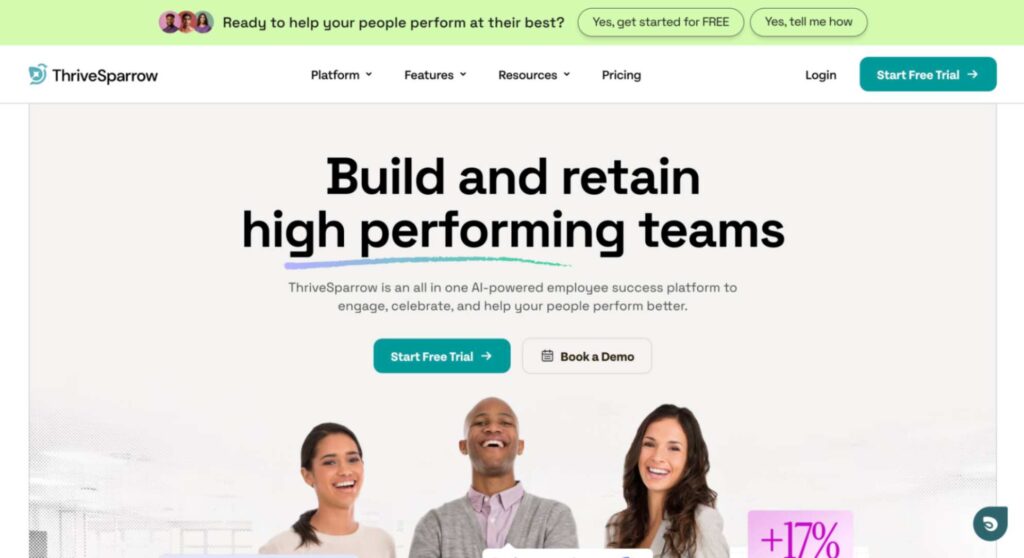
ThriveSparrow runs employee engagement surveys, quick employee pulse surveys, and lifecycle surveys, like onboarding, in one place. What stood out to me was the multi-channel reach: you can send surveys by email, Slack, SMS, or even QR codes, which helps boost participation.
ThriveSparrow offers analytics that make it easier to understand employee sentiment, share survey results, and spot trends over time. It also includes AI-driven insights that highlight key themes and help you interpret open-text feedback.
The platform lets you create recurring surveys, set up reminders, and protect anonymity so people feel safe giving honest feedback. Overall, it’s a solid choice if you want a flexible employee engagement survey tool with multi-channel delivery and built-in follow-up options.
Key Features:
- Pre-built and customizable survey templates for engagement, pulse, eNPS, and lifecycle feedback
- Multi-channel distribution (email, Slack, SMS, QR codes) for broader reach
- Anonymous surveys with thresholds to protect identity
- AI-powered insights and basic sentiment analysis for text responses
- Trend analytics and interactive dashboards for survey results
- Action planning modules to track changes and improvements
Pros:
- Reach employees wherever they work, improving survey responses
- AI insights and employee sentiment summaries help interpret feedback quickly
- Flexible scheduling of recurring surveys and reminders
- Covers quick pulses and deeper employee engagement surveys in one tool
- Supports multi-lingual surveys and mobile participation
Cons:
- Newer platform; fewer long-term case studies than bigger tools
- Benchmarking against industry standards is limited
- Some advanced analytics features are still evolving
- Feature richness can feel overwhelming if you just need a simple survey tool
Pricing: ThriveSparrow uses custom, module-based pricing. Each product area, like Goals, Performance, or Engagement, is priced separately. Exact prices aren’t publicly available and are unlocked only after you submit your details for a personalized quote.
Best for: Multi-channel pulse surveys and flexible feedback
6. Deel
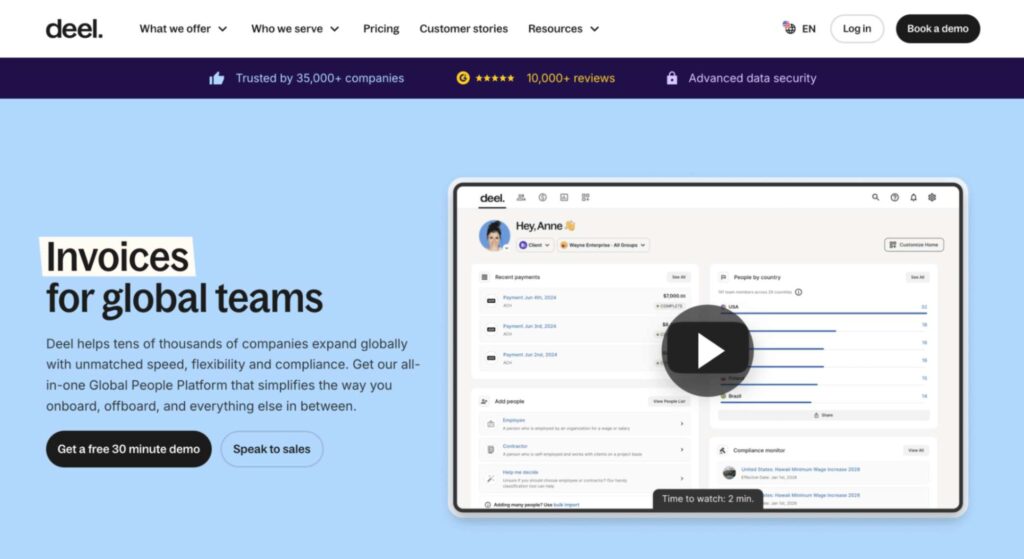
Deel’s engagement capabilities are built into the broader HR platform. It lets you run employee engagement and pulse surveys with a simple survey builder that supports common question types like ratings, multiple-choice, and open-ended. You can target specific groups (by team, department, location, etc.) so the right people get the right survey.
Deel includes anonymous surveys to encourage honest employee feedback and basic dashboards to view survey results by group. It also sends reminders via email or Slack, which helps improve participation without extra admin work.
While the analytics are more basic than some standalone platforms, you still get key engagement trends and comment summaries without exporting data. Deel works best if you already use the HR platform and want a lightweight employee engagement survey solution that fits into your existing HR workflows.
Key Features:
- Custom survey templates and question types (scale, multiple-choice, text)
- Targeted surveys by team, role, or location
- Anonymous surveys toggle to protect respondent privacy
- Basic dashboards showing participation and score averages
- Email and Slack reminders to boost survey responses
- Integration with Deel HR data for seamless setup
Pros:
- Easy to set up and manage within the Deel HR ecosystem
- Simple employee pulse survey workflows for frequent listening
- Anonymous options build trust and encourage open employee feedback
- No separate tool required if you already use Deel for HR
- Targeted surveys make it easy to segment employee sentiment
Cons:
- Analytics are less advanced than many dedicated employee engagement survey tools
- Limited depth in reporting and trend analysis (no heatmaps or advanced drill-downs)
- No automated recurring surveys (you must set them up manually)
- Less suited for large companies wanting deep segmentation or benchmarks
- Lacks sophisticated action planning compared to specialized survey platforms
Pricing: Custom, usually per employee, and sold as a package rather than per feature. It is designed for companies that already use Deel or plan to centralize HR data inside the Deel platform.
Best for: Lightweight employee feedback inside HR workflows
7. Workleap (Officevibe)
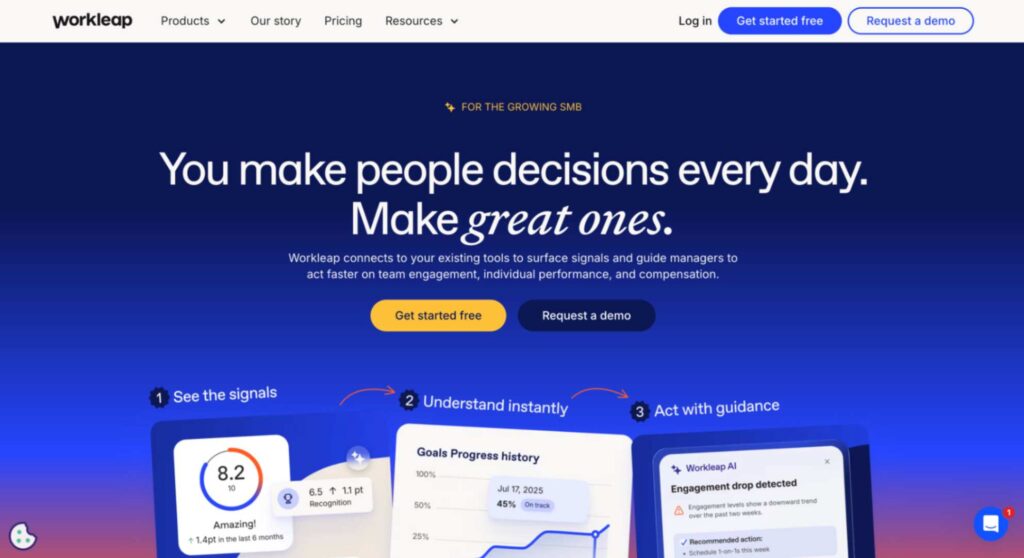
I explored Workleap, specifically its Officevibe module, as a friendly employee engagement survey tool. It focuses on simple, frequent check-ins called employee pulse surveys that help you track how your team feels week to week without overwhelming them.
The surveys are short and built around key engagement drivers like recognition, communication, and workload. The idea is to get honest employee feedback regularly. Dashboards summarize survey results over time, so you can easily spot trends in employee sentiment and satisfaction. It also has features for anonymous comments, which help employees speak up without fear.
Managers get clear, digestible visuals and suggested actions based on the data, which makes turning feedback into real change easier. Workleap works well when you want something easy to run employee engagement surveys on an ongoing basis without heavy setup or complicated analysis.
Key Features:
- Turnkey survey templates built around core engagement topics
- Regular employee pulse surveys that run automatically
- Anonymous feedback and two-way anonymous responses
- Dashboards that chart trends in survey results and engagement scores
- Simple analytics with driver scores and trend tracking
- Basic employee recognition tools integrated with the survey experience
Pros:
- Very easy to launch and maintain frequent employee surveys
- Short pulses encourage high participation without survey fatigue
- Anonymous comments build trust and better employee feedback
- Dashboards and trend graphs make survey results easy to understand
- Suggestions for managers help turn feedback into action
Cons:
- Fewer advanced analysis options than some employee engagement survey software
- Less optional customization in the survey builder
- Benchmarks against industry standards are limited
- Not as strong for deep dive employee engagement surveys compared to enterprise solutions
- Focused more on pulses than full engagement survey programs
Pricing: Officevibe costs $5 per user per month, with a 10-user minimum. It includes engagement and pulse surveys, anonymous feedback, peer recognition, eNPS, AI reporting, and integrations with Slack, Microsoft 365, and Google. Annual billing saves 20%.
Best for: Simple recurring pulses and manager actions
8. Culture Amp
Culture Amp is one of the most talked-about employee engagement survey tools, and it lives up to the hype in many ways. It’s built mainly for employee engagement surveys, employee pulse surveys, and lifecycle surveys, so you can gather employee feedback at key moments like onboarding or exit, as well as continuously.
Culture Amp has a big library of survey templates based on best practices and research, which makes it easy to launch surveys that measure employee satisfaction, sentiment, and workplace culture without guessing what to ask. You can segment survey results by team, role, location, and other groups to see patterns in your organization.
Managers and HR teams also get actionable insights and guidance on what to do next based on the data. Culture Amp integrates with common HR systems and tools, which makes keeping your employee data up to date easier.
Key Features:
- Extensive library of survey templates for engagement, pulse, eNPS, and lifecycle feedback
- Advanced analytics, including driver analysis, heatmaps, and trend tracking
- Ability to segment survey results by department, tenure, demographics, etc.
- Anonymous surveys and thresholds to protect individual privacy
- Built-in guidance and actionable insights to help teams act on feedback
- Integrations with HRIS and tools like Slack or Microsoft Teams
Pros:
- Deep analytics that help reveal what really drives employee engagement
- Templates grounded in research, so surveys are solid and meaningful
- Segmentation tools let you explore employee sentiment across different groups
- Action guidance helps managers respond to feedback, not just collect it
- Supports frequent pulses as well as full engagement surveys
Cons:
- Can feel complex if you just want a simple employee survey tool
- Takes time to learn the dashboards and insights
- More expensive than many basic survey platforms
- Some users find the setup process long before the first survey is ready
Pricing: Culture Amp uses custom, quote-based pricing. You choose individual products Engage, Perform, and optional Develop, or bundle them to save. Pricing depends on company size, modules selected, and support level. There are no public per-user prices. Enterprise pricing is available for 1,000+ employees.
Best for: Deep engagement analytics and leader guidance
9. Qualtrics
I explored Qualtrics as one of the most powerful employee engagement survey tools you can find. It’s a survey tool designed to handle simple check-ins and very large, detailed employee engagement surveys alike.
Qualtrics lets you build surveys with almost any question type you want, including advanced logic and anonymous surveys, so employees feel safe giving honest feedback. It supports both one-time deep engagement surveys and ongoing employee pulse surveys, with options to automate scheduling.
What stood out was the analytics. Qualtrics has very strong dashboards and reporting so you can explore survey results, compare groups, and even run advanced statistical analysis. It also provides actionable insights, including AI-powered summaries of open-text responses and suggestions for improvement.
Key Features:
- Highly flexible survey creation with advanced logic and custom flows
- Support for both deep employee engagement surveys and quick employee pulse surveys
- Anonymous surveys and secure response handling
- Very strong analytics with charts, filters, and advanced reporting
- AI-powered text summaries and actionable insights
- Integrations with HRIS, Slack, Microsoft Teams, and other workplace systems
Pros:
- Extremely flexible, you can build almost any survey you need
- Powerful analytics lets you dig deep into employee engagement and trends
- AI summaries help turn open-ended answers into usable insights
- Great for large companies or complex survey programs
- Strong integration options to bring survey data into other workflows
Cons:
- Can be complicated if you just want simple employee survey functionality
- Takes time to learn how to get full value out of the advanced features
- More expensive than many basic survey platforms
- Might be overkill for small teams that only need simple employee satisfaction survey capabilities
Pricing: Qualtrics uses custom, usage-based pricing. You buy one of three XM suites such as Employee Experience, and pricing is based on employee count or planned interaction volume, not per user. All plans include the core XM platform and AI features with unlimited users.
Best for: Highly customizable enterprise surveys and analytics
10. Workday Peakon
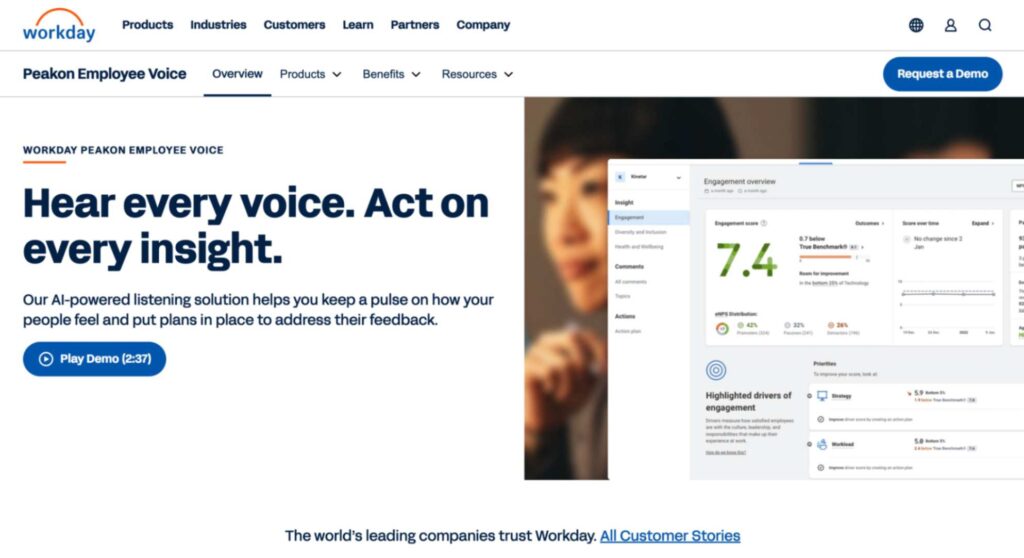
I explored Workday Peakon as a strong contender among the best employee survey tools focused on employee engagement. It’s a survey tool built to run ongoing employee pulse surveys and full employee engagement surveys that keep a constant read on how people feel at work.
Peakon’s setup lets you use ready-made survey templates or customize your own questions to measure employee satisfaction, sentiment, and workplace culture. What stood out was how the platform turns survey responses into actionable insights by using analytics to identify trends, flags, and drivers of engagement.
The analytics also give you trend lines, segment comparisons, and alerts when scores drop so you can act fast. Peakon supports anonymous surveys to help people feel comfortable sharing honest employee feedback, and it integrates with HR systems so your employee data stays in sync. It’s a solid choice if you want data to track your team’s health over time rather than just run a one-off survey.
Key Features:
- Library of customizable survey templates for pulse and engagement surveys
- Powerful analytics with trend tracking, segment comparisons, and driver analysis
- Automated employee pulse surveys and cadence scheduling
- Anonymous surveys and secure confidentiality controls
- Alerts and automated summaries that highlight significant shifts in sentiment
- Integration with Workday HCM and other HR systems
Pros:
- Continuous listening lets you catch changes in employee sentiment quickly
- Analytics that make trends and problem areas clear
- Actionable insights that help tie feedback to real improvements
- Built-in alerts and automated reminders help with survey responses
- Syncs employee data from HR systems so surveys stay up to date
Cons:
- Can feel overwhelming if you just need a simple employee survey tool
- Analytics are rich, but take time to learn and interpret
- Some customization options are not as intuitive as in other tools
- Best value if you are already in the Workday ecosystem; otherwise, the setup is heavier
Pricing: Workday Peakon pricing isn’t published and requires a custom quote. Cost depends on company size, employee count, and chosen features.
Best for: Continuous enterprise-grade engagement
11. 15five
15five is one of the best employee survey tools for companies that want simple but meaningful employee engagement surveys and check-ins. It’s built around regular employee pulse surveys and ongoing employee feedback rather than only one big annual survey. 15five’s survey templates focus on core engagement topics like wellbeing, recognition, and manager support, which makes it easy to know what to ask.
The platform also ties engagement surveys into performance conversations and check-ins, so leaders can see survey results alongsidegoals and performance check-ins. I liked that it supports anonymous surveys and includes features for giving praise, which helps boost employee satisfaction and morale.
Its dashboards summarize trends in employee sentiment over time so you can see whether feedback is improving or getting worse. 15five also sends reminders and integrates with tools like Slack and Microsoft Teams to make it easy for people to participate. It’s a practical choice if you want a friendly, consistent way to listen to your team and act on feedback regularly.
Key Features:
- Built-in survey templates for pulse and engagement check-ins
- Regular employee pulse surveys with automated scheduling
- Anonymous surveys to encourage honest employee feedback
- Dashboards and trend tracking for survey results
- Integration with Slack and Microsoft Teams
- Manager coaching and alignment with performance workflows
Pros:
- Simple and consistent way to track employee engagement over time
- Well-designed pulse surveys reduce survey fatigue
- Integration with daily tools makes participation easy
- Anonymous options help collect honest feedback
- Combines engagement insights with performance check-ins
Cons:
- Not as deep in analytics compared with enterprise-focused survey platforms
- Limited advanced reporting and segmentation features
- More focused on regular check-ins than full engagement program design
- Some users find that templates could use more customization flexibility
Pricing: 15Five offers three main plans billed annually per user:
- Engage costs $4 per user per month and focuses on engagement surveys, insights, and action planning.
- Perform costs $11 per user per month and covers performance management, including reviews, goals, and 360-degree feedback.
- The Total Platform costs $16 per user per month and combines Engage and Perform with added manager training and HR dashboards.
Best for: Engagement tied to performance and coaching
12. SurveyLab
SurveyLab is a flexible employee survey tool that works well when you need simple and adaptable tools. It’s basically a general survey tool that lets you build all kinds of surveys with drag-and-drop ease.
For employee engagement specifically, you can use its wide range of question types and survey templates (including Likert scales, multiple choice, and text responses) to measure employee satisfaction, employee sentiment, or specific themes like manager support or workplace culture.
SurveyLab supports anonymous surveys, which helps teams feel safe sharing honest employee feedback, and it’s mobile-friendly so people can respond easily on phones or tablets. Its dashboards show survey results right away, and you can export data (CSV, Excel, etc.) for deeper analysis. Because it’s flexible, you can schedule recurring surveys or targeted pulses whenever you want.
Key Features:
- Drag-and-drop survey creation with multiple question types
- Ready-to-use and customizable survey templates for employee check-ins
- Support for anonymous surveys to protect respondent identity
- Multi-language and mobile-friendly surveys for broader reach
- Simple reporting and exportable survey data
- Logic and branching to tailor questions for different respondents
Pros:
- Very easy to use, even for teams with no survey experience
- Flexible enough to run frequent employee surveys or deep engagement checks
- Anonymous surveys encourage honest responses
- Works on mobile so employees can reply anywhere
- Exports let you do your own analysis or combine with other tools
Cons:
- Analytics are basic, not as rich as some specialized platforms
- No built-in advanced trend tracking or heatmaps for employee engagement data
- Lacks native integrations with HR systems or tools like Microsoft Teams
- Doesn’t include automated action planning or guided actionable insights
- Best for simpler use cases rather than enterprise-grade survey programs
Pricing: SurveyLab uses fixed monthly pricing based on response volume, not users. Plans start at €49/month for 1,000 responses, €99/month for 2,500 responses, and €249/month for 10,000 responses, with higher tiers adding advanced logic, reporting, mobile, and team features.
An Enterprise plan offers unlimited responses with custom pricing. Annual billing gives a 20% discount, and a 14-day trial plus a limited free plan are available.
Best for: Flexible general surveys with basic engagement use
13. SurveyMonkey
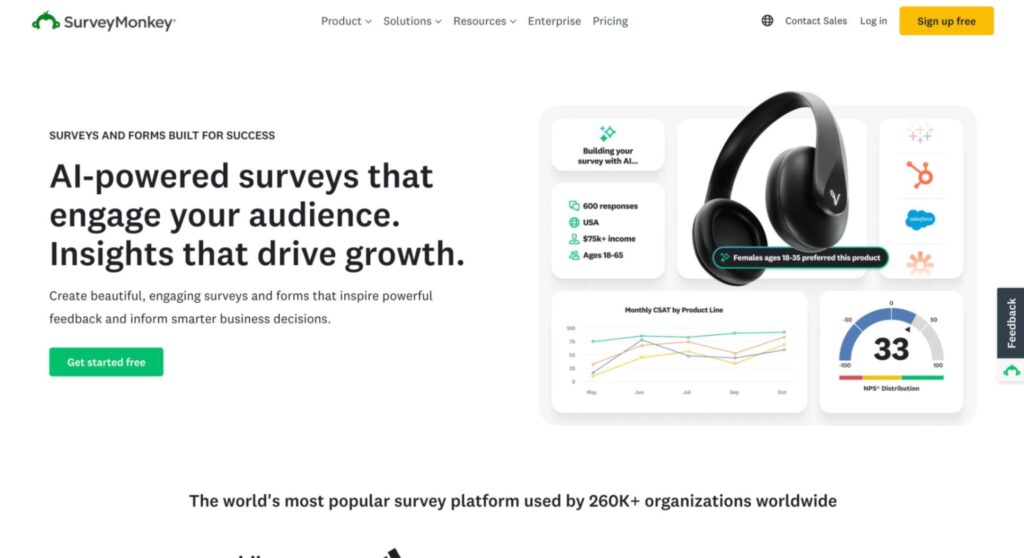
SurveyMonkey is a widely known survey tool that many teams use for employee engagement surveys and general feedback. While not built strictly as an employee engagement survey tool, it’s flexible enough to do almost anything you need, from deep engagement programs to quick employee pulse surveys or employee satisfaction surveys.
It offers a big library of survey templates you can start with, so you don’t have to build everything from scratch. SurveyMonkey supports anonymous surveys, branching logic to tailor questions, and a variety of question types to capture employee feedback in detail.
Once your survey is live, the dashboards show survey results in charts and basic analytics, and you can export data for deeper analysis. SurveyMonkey also has options to send reminders and schedule recurring surveys if you want ongoing listening. It’s a solid choice if you want a flexible, familiar tool that can handle a wide range of survey work beyond just engagement.
Key Features:
- Large library of customizable survey templates
- Support for anonymous surveys and rich question types
- Branching and logic to tailor the survey path based on responses
- Dashboards to view survey results with basic analytics
- Options for recurring or scheduled surveys
- Exportable survey data for deeper analysis
Pros:
- Very flexible and easy to use for many kinds of surveys
- Good range of question types to capture nuanced employee feedback
- Anonymous surveys help increase honest response rates
- Works well for both one-off and recurring listening programs
- Familiar tool with broad platform support (web, mobile, etc.)
Cons:
- Analytics are basic, not as deep as specialized employee engagement platforms
- Lacks built-in guidance on employee sentiment drivers or action planning
- Doesn’t automatically connect survey results to things like performance or retention data
- More manual setup is required for recurring employee pulse surveys than for some dedicated tools
- Designed for general surveys, so you might need extra work to make reports HR-friendly
Pricing: SurveyMonkey’s team plans are priced per user and billed annually.
- Team Advantage costs €30 per user per month with 50,000 responses per year.
- Team Premier costs €75 per user per month with 100,000 responses per year and advanced analytics. Both require at least 3 users.
- Enterprise plans use custom pricing with flexible response limits, advanced security, SSO, and premium support.
Best for: Quick setup and broad survey versatility
14. SurveySparrow
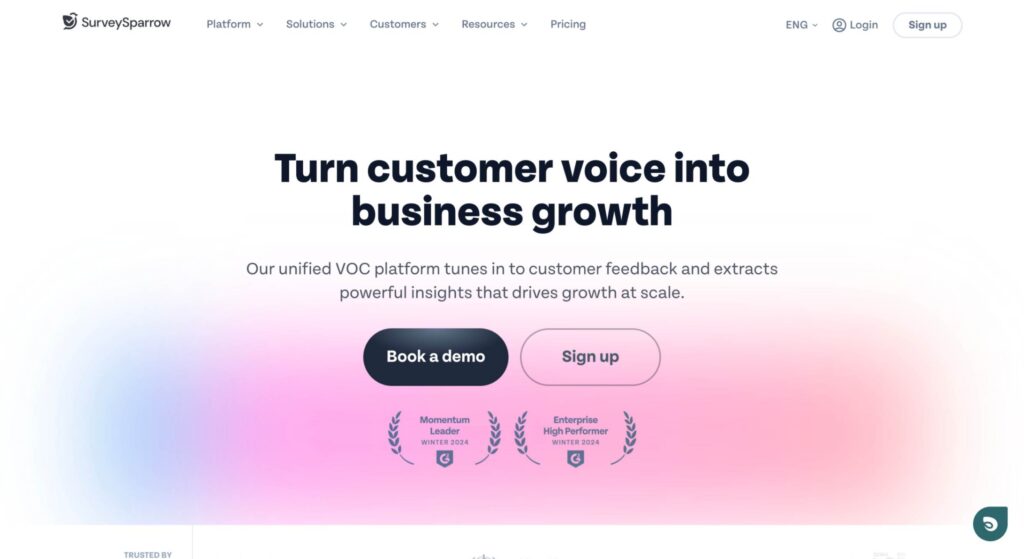
SurveySparrow is a modern survey tool that many teams use for employee engagement surveys and quick employee pulse surveys. It stands out because it makes surveys feel like conversations. The interface is more chat-style than old-school forms, which can help increase participation and honesty in employee feedback.
You can start with built-in survey templates or create your own questions to measure employee satisfaction, employee sentiment, and workplace culture. SurveySparrow supports anonymous surveys, so employees can respond without worrying about who sees their answers.
The dashboards show survey results quickly and let you filter and explore key findings, and you can also export data if you want to dig deeper.
Key Features:
- Conversational, interactive survey creation with drag-and-drop builder
- Pre-built and customizable survey templates for engagement and pulse surveys
- Support for anonymous surveys to protect response privacy
- Dashboards for survey results with basic analytics and filters
- Integrations with workplace tools (Slack, Microsoft Teams, Zapier)
- Multi-channel delivery (email, SMS, web links, QR codes) to boost participation
Pros:
- Chat-like surveys can increase response rates and make the experience more engaging
- Flexible design and survey templates make setup easy
- Anonymous surveys help build trust and honest employee feedback
- Integrations help embed surveys into daily workflows
- Exports and filters let you explore your survey data outside the platform
Cons:
- Analytics are solid, but not as rich as enterprise-level employee engagement survey platforms
- Some users find the conversational format distracts from serious topics
- Exported dashboards can lack depth without external analysis
- Features can be spread across pricing tiers, which may require upgrades to get full value
- Not as specialized for HR use cases as tools built specifically for employee engagement
Pricing: SurveySparrow uses response-based pricing with separate plans for individuals and teams. Exact prices are hidden and unlocked via a form. All plans include a 14-day free trial and are billed annually.
Best for: Interactive conversational surveys
15. Quantum Workplace
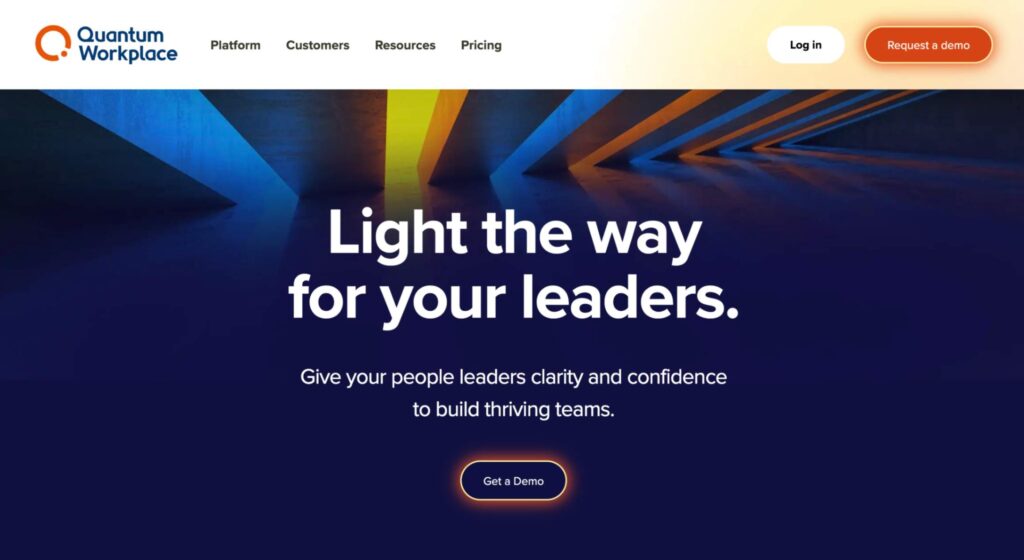
Quantum Workplace is a comprehensive employee engagement survey tool built specifically to help teams measure and improve employee engagement and employee satisfaction over time. It lets you run both employee pulse surveys and full employee engagement surveys using ready-made survey templates or custom questions you design yourself.
What I liked most was how the platform combines survey feedback with regular check-ins and other workplace signals so you can spot patterns in employee sentiment and morale. The dashboards are rich with analytics that show trends, group comparisons, and deeper insights into why scores go up or down.
Quantum offers actionable insights and guided steps for managers so that survey results turn into real improvements. It supports anonymous surveys to make people feel safe giving honest feedback, and you can schedule recurring surveys to keep listening on an ongoing basis. Because it’s built with engagement in mind, the tool feels more targeted at HR teams than general-purpose survey platforms.
Key Features:
- An extensive library of survey templates for engagement, pulse, eNPS, and lifecycle surveys
- Powerful analytics dashboards with trend tracking and group segmentation
- Anonymous surveys with privacy protections to increase trust
- Employee pulse survey cadence, scheduling, and reminders
- Built-in tools that turn survey results into actionable insights for teams
- Options to export survey data or integrate with HR systems
Pros:
- Very strong employee engagement reporting and insights
- Templates designed around HR best practices make surveys easier to launch
- Regular pulse and full engagement options give flexibility in listening strategy
- Anonymous surveys help boost honest participation
- Helps move teams from feedback to action with guided suggestions
Cons:
- Somewhat complex interface that can take time to learn
- More advanced analytics may require training to interpret well
- Not as lightweight as general-purpose platforms like SurveyMonkey or SurveySparrow
- Best value when commitment to recurring surveys and action planning is real — otherwise feels heavy
- Mobile experience is not as smooth as the desktop for survey creators
Pricing: Quantum Workplace uses custom, quote-based pricing based on employee count and the products you choose. Pricing starts at a minimum annual contract of $15,000, with volume and multi-product discounts available. There are no setup fees, and all plans include implementation support and a dedicated Customer Success Manager.
Best for: Enterprise engagement + action planning
16. Zoho Survey
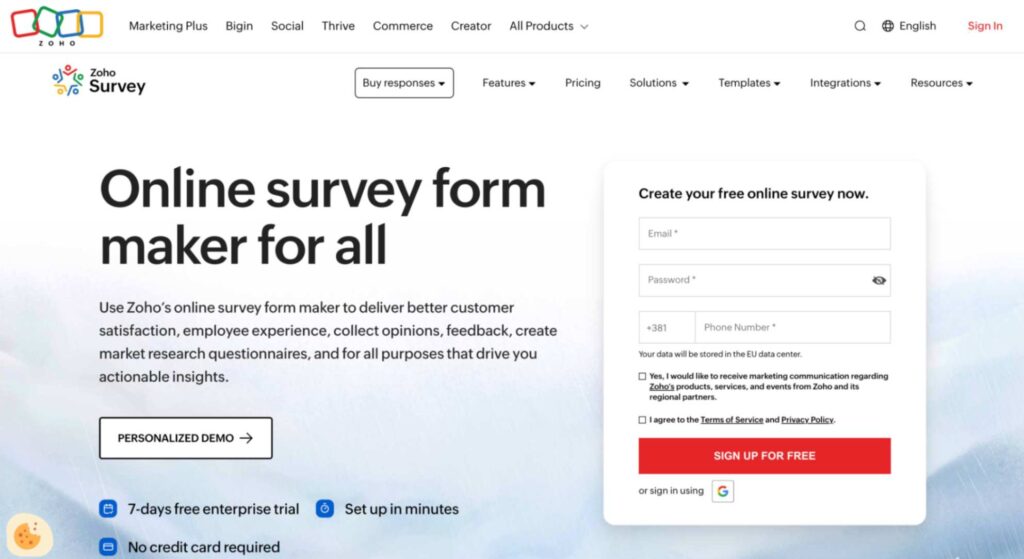
Zoho Survey is a survey tool that’s part of the broader ecosystem and also tied into Zoho People for HR-focused use. Zoho Survey lets you build employee engagement surveys, employee satisfaction surveys, and custom questionnaires with a drag-and-drop builder and more than 250 survey templates across categories, including employee opinion and engagement templates.
When used inside Zoho People, you can deploy both pulse surveys and full engagement surveys that measure motivation, job satisfaction, work-life balance, compensation, and other aspects of employee experience. You can also run eNPS surveys to assess loyalty with a simple 0–10 question format.
Zoho Survey supports anonymous surveys, helping you get honest responses without fear of identification. Survey responses are visualized in reports and, if you need deeper analytics, you can integrate with Zoho Analytics to build dashboards and spot trends over time. Overall, it’s a flexible tool that works for both employee survey needs and general feedback collection.
Key Features:
- Drag-and-drop survey creation with multiple question types and custom survey templates.
- More than 250 ready-made templates
- Support for employee engagement surveys, employee satisfaction surveys, and eNPS surveys.
- Real-time reporting with dashboards; exportable results.
- Integration with Zoho Analytics for advanced cross-survey trend analysis and visual dashboards.
Pros:
- Very flexible survey creation, suitable for employee engagement and general surveys alike.
- A large template library helps get started quickly without building surveys from scratch.
- Anonymous surveys improve honesty in survey responses.
- Zoho Analytics integration elevates analysis and helps uncover trends and patterns in survey data.
- Flexible pricing and a robust free tier for basic usage.
Cons
- Zoho Survey’s native analytics are not as deep as specialized employee engagement survey software (no built-in sentiment analysis or driver modeling).
- To unlock the full pulse survey experience, you need Zoho People, which adds cost and setup effort.
- Some advanced workflows (e.g., automated follow-up actions based on results) require integrations or external tools like Zoho Analytics or custom automation.
Pricing: Zoho Survey offers fixed monthly pricing billed annually, starting with a Free plan (€0). Paid plans range from €7.42/month (Basic) to €75/month (Enterprise). Pricing scales by response limits and features, with higher tiers offering unlimited surveys, more responses, advanced analytics, security, and priority support.
Best for: Affordable, general surveys with employee templates
17. ProProfs Survey Maker
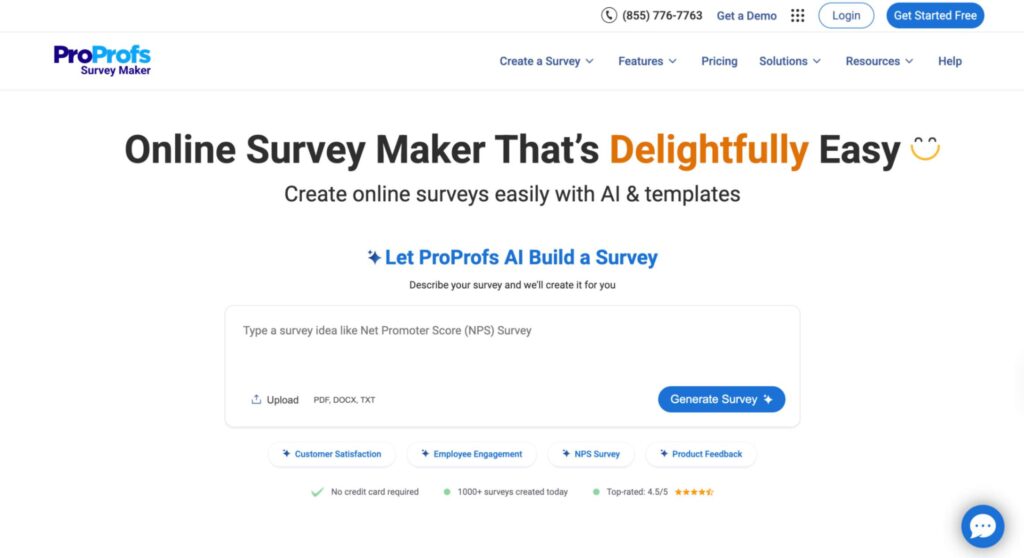
ProProfs Survey Maker comes with a large library of templates, including employee survey, employee engagement surveys, employee satisfaction, and even eNPS templates that are easy to launch right away. You can pick from 100+ survey templates and over a million ready-to-use questions to cover everything from morale to workplace culture.
ProProfs supports many question types (multiple choice, rating scales, open text, sliders, etc.) so you can tailor your surveys to the kind of employee feedback you need. The tool provides real-time analytics and reporting dashboards so you can see trends in survey results without exporting data. It also includes anonymous survey options and privacy settings to make participants comfortable sharing honest opinions.
Distribution is flexible; share by email, links, embed surveys on internal sites, or use other channels relevant to your work environment. Overall, ProProfs Survey Maker is user-friendly and good for teams that want a balance between engagement tracking and broader survey capabilities.
Key Features:
- Over 1,000,000 ready-to-use questions to choose from.
- Drag-and-drop builder with 20+ question types (multiple choice, rating scales, open text, sliders, etc.).
- Anonymous surveys and customizable privacy settings to encourage honest employee feedback.
- Real-time analytics dashboards and survey results reporting with export options.
- Multiple distribution channels: email, web links, embeds, and social sharing.
Pros:
- Strong survey creation flexibility with many templates and ready questions, making it quick to launch employee surveys or broader market/customer surveys.
- Intuitive drag-and-drop builder that is easy for HR and non-technical users alike.
- Real-time analytics help you spot engagement trends quickly from survey results.
- Anonymous options and secure settings boost honest participation.
- Affordable pricing with a free plan and entry-level paid tiers available.
Cons
- Advanced analytics (e.g., AI-driven sentiment or predictive engagement insight) are not as strong as in dedicated employee engagement survey tools.
- Integrations with deep HR systems (e.g., HRIS platforms) are limited compared to some enterprise tools.
- Some users may need time to configure branch logic or advanced workflows effectively (learning curve on advanced features).
Pricing: ProProfs offers a free plan with up to 50 responses, including all core features. Paid Business plans scale by monthly response volume, not users, and unlock higher limits and onboarding support. A white-label add-on costs $300 per year, and bundled suites start at $499 per month.
Best for: Template-rich general survey building
How To Choose The Best Employee Survey Tool for Your Organization?
When choosing the right employee survey tool, you should pick the one that fits your team’s size, rhythm, and goals. Here’s a simple way to decide:
1. Clarify What You Want to Measure
Ask yourself:
- Do you need regular employee engagement surveys or only occasional check-ins?
- Are you tracking employee satisfaction and sentiment, workplace culture, or employee retention risks?
Choose a tool that supports your main goals (pulse vs full surveys).
2. Look for Easy Survey Creation
A good employee survey tool should let you build surveys quickly:
- Survey templates for engagement, satisfaction, eNPS, etc.
- Drag-and-drop survey creation and flexible question types.
If it’s hard to make a simple survey, adoption will suffer.
3. Prioritize Honest Feedback
Your goal is real, useful feedback, not polished scores. Make sure the tool supports anonymous surveys so employees feel safe to be honest and safeguards that protect privacy. Tools with anonymity built in tend to get better, more accurate responses.
4. Review the Analytics
Getting responses is only half the job. You need to understand them. Look for:
- Clear dashboards with trends and segmentation by team, department, and location
- Robust analytics that turn survey data into actionable insights
If you need advanced analysis (e.g., sentiment scores, correlation with retention), prioritize tools with built-in analytics.
5. Consider Employee Experience
A good employee engagement survey shouldn’t feel like homework. Choose one that:
- Is mobile-friendly
- Integrates with tools your team already uses (like Slack, Microsoft Teams, Google Workspace)
- Delivers surveys in a way that feels natural, encouraging participation
6. Check Integration and Workflow Capabilities
Your survey tool should fit into your existing systems:
- Sync employee lists from your HRIS or directory
- Push reminders automatically
- Feed results into your HR dashboards
Integration reduces manual work and keeps survey responses up to date.
7. Evaluate Action Planning and Follow-Up Options
The best tools go beyond collecting feedback. They help you act on it:
- Can you assign follow-up tasks based on results?
- Do you get recommendations on where to focus improvement efforts?
Tools with these capabilities make employee engagement improvements more actionable.
8. Match the Tool to Your Scale and Budget
Smaller teams might want simple, affordable tools that handle pulse surveys. Larger organizations might need advanced analytics, benchmarking, and deep insights. Choose a tool where the value matches the cost.
9. Pilot Before Fully Committing
If possible, run a short pilot with a subset of your team. This helps you see how employees respond and whether the tool’s survey results and analytics meet your needs. A pilot is often the best way to avoid investing in something you won’t use.
Turn Employee Feedback Into Action with HeartCount
Employee surveys only matter if people actually answer them and if something happens after. Most tools add more work, more dashboards, and more guessing.
HeartCount does the opposite. Short weekly pulses replace long surveys. Clear signals replace messy reports. Real-time insights replace waiting months to understand how people feel.
If you want to stop chasing responses, stop guessing about morale, and start seeing engagement change as it happens, HeartCount is the most practical choice. It fits into everyday work, respects employees’ time, and helps leaders act early instead of reacting late.
That’s why, out of all the tools I reviewed, HeartCount stands out as the best solution for real, ongoing employee engagement. Sign up and try it for free!